

Welcome to Your
OS Dashboard!
Your Journey. Our System.
We guide you from where you are to where you want to be.

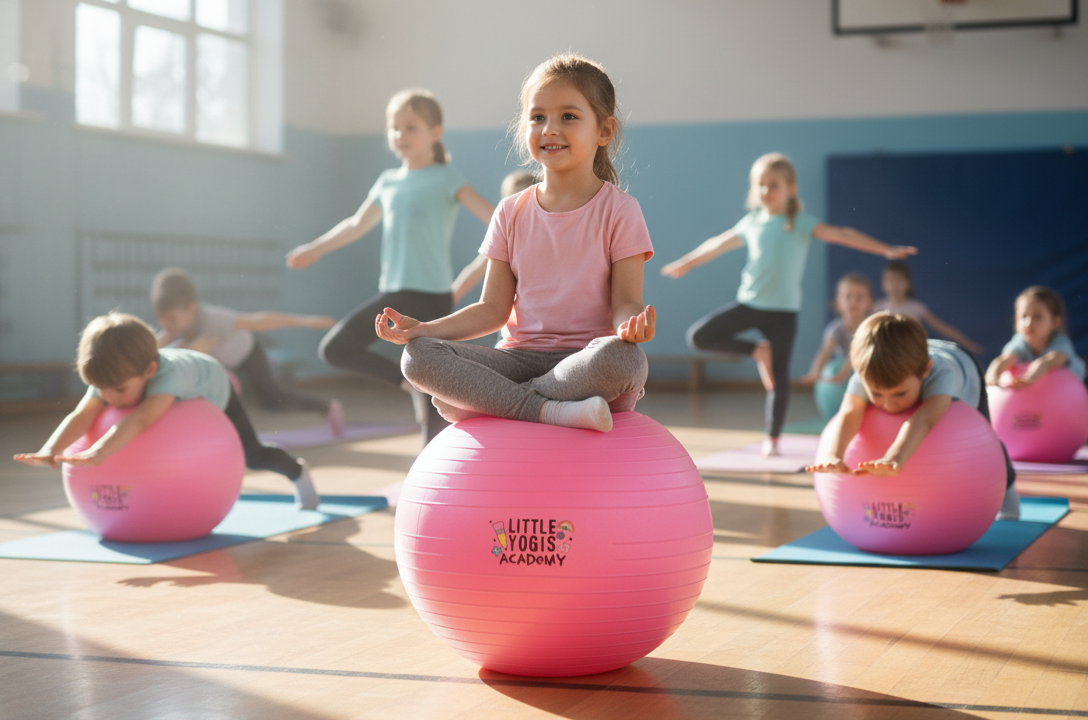
Learn the Foundations of Teaching Kids Yoga & Mindfulness
Build Your Kit


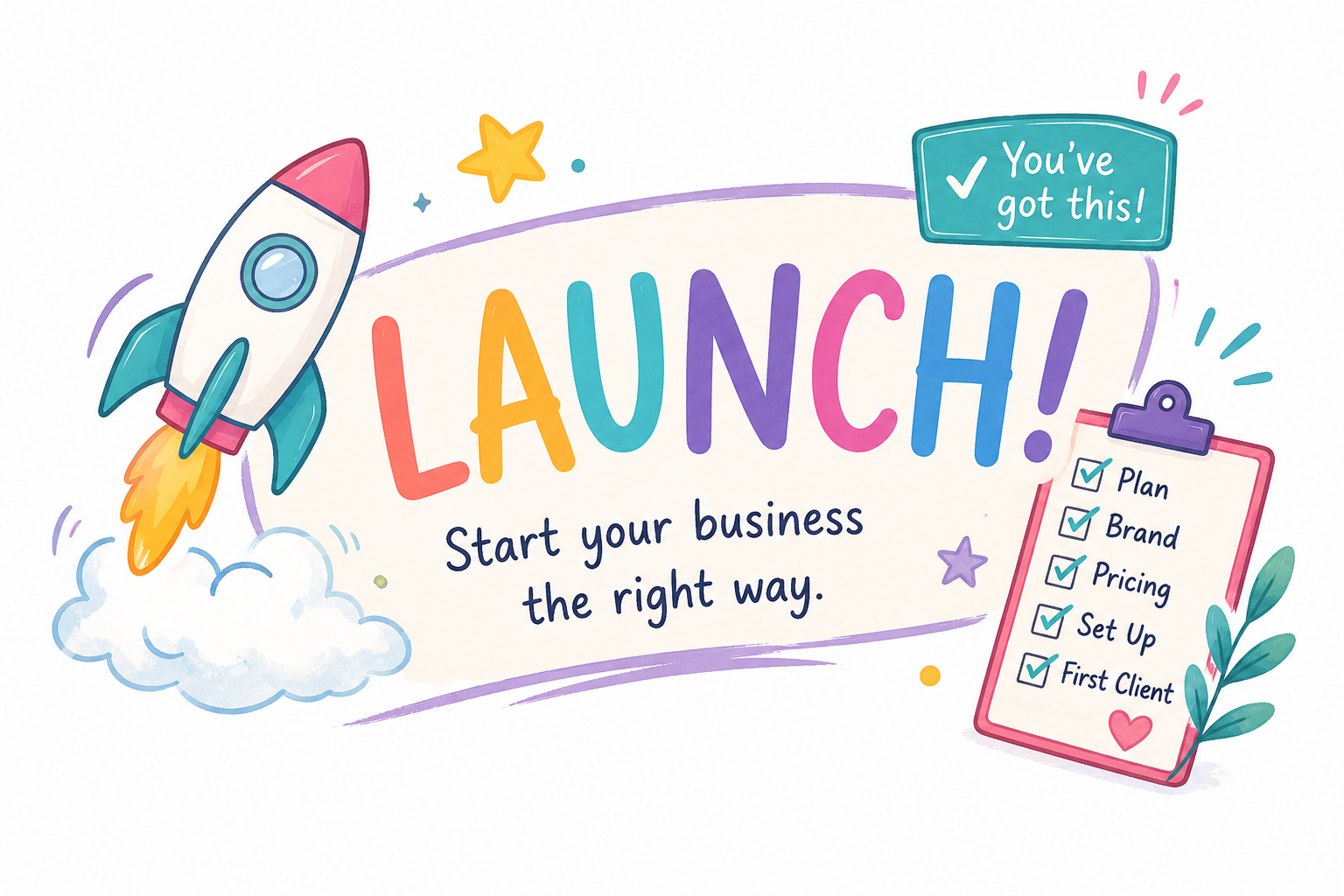
Launch Your Kids Yoga Business with our Step by Step Guide

Market Your Business and Start Gaining Customers!

Get Paid! Create registration Links, Send Invoices and Keep Your Business Organized.
Start Your Journey
Quick Links
FAQs
-
Begin in the Start Here module. Watch the welcome video, introduce yourself in our community chat, and register for your course access, and complete the First Steps checklist. This gives you a clear, calm starting point.
-
Click the Community tab inside your Thinkific dashboard. This is where you’ll find teaching support, business guidance, wins, announcements, and daily conversation. Start in the Start Here space, then introduce yourself.
-
Monthly teaching tools, posters, lesson plans, and downloads are posted in the Lesson Ideas + Resources community space and stored inside the Monthly Resources section of your portal. Everything stays archived so you’ll never lose track.
-
If you have:
• Teaching questions → Teaching Support space
• Business questions → Business space
• Outreach questions → Childcare & Schools space
• Tech issues → Help Desk
You’ll get support directly inside the community. -
No! Move at your own pace. The course + membership are designed for flexible learning. Most members start with the Foundations module, then visit the community for real-time support.
-
You can tag Michelle inside the community or post in the Help Desk for support. For more personalized guidance, you can book a 1:1 coaching session inside the portal.